> For the complete documentation index, see [llms.txt](https://documentation.deep-image.ai/llms.txt). Markdown versions of documentation pages are available by appending `.md` to page URLs; this page is available as [Markdown](https://documentation.deep-image.ai/common-usecases/enhancing-documents.md).
# Enhancing documents
### Using image edit generation models
Generative document upscaling can enhance legibility and recover fine details from low‑resolution scans, improving OCR accuracy, searchability, and archival quality while reducing manual cleanup. It also enables consistent formatting across batches and can adaptively sharpen text, diagrams, and stamps better than traditional interpolation. However, it may introduce hallucinated artifacts, alter original content fidelity, or over‑smooth important marks, which is risky for legal or compliance contexts. The results can be biased by the training data and are sensitive to input quality, and the process can be compute‑intensive, requiring careful validation and human review for critical documents.
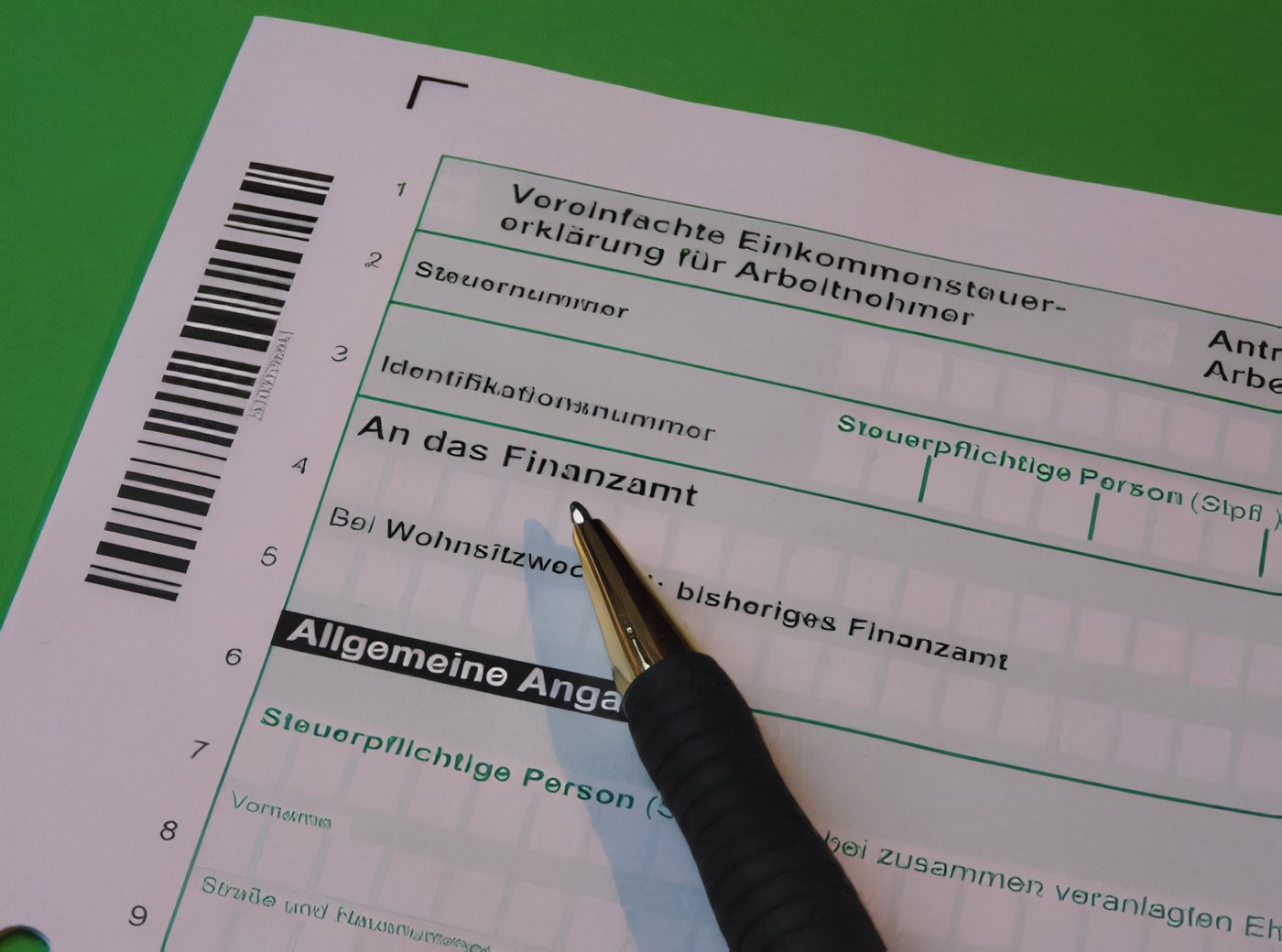
Having such small document image
```json
{
"url": "https://s3.eu-central-1.amazonaws.com/deep-image.ai/api-examples/tax-office-233345_1280-small.jpg",
"preset": "enhance_document"
}
```
### Using text\_x4 upscale model
"text\_x4" is a model that is specifically optimized for upscaling and enhancing images containing text. This feature is ideal for images such as documents, scanned text, or any visuals with embedded text that require high readability and clarity after upscaling. Using advanced AI models trained on text-focused data, this endpoint allows you to upscale images while preserving and enhancing text details, making text sharper and easier to read at higher resolutions.
Usage:
```json
{
"url": "https://s3.eu-central-1.amazonaws.com/deep-image.ai/api-examples/tax-office-233345_1280-small.jpg",
"width": "400%",
"upscale_parameters": {
"type": "text_x4"
}
}
```
and the result
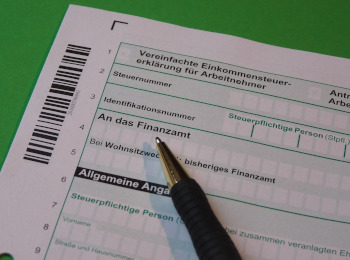
While using normal upscale effect is:
.png?alt=media&token=5a5faca4-b49b-44b6-8bf2-de7b77e1e111)